- One source of truth — skills live in git, not in chat exports
- Safe apply — won't replace real files that aren't symlinks
- Private catalogs OK — any git URL you can clone
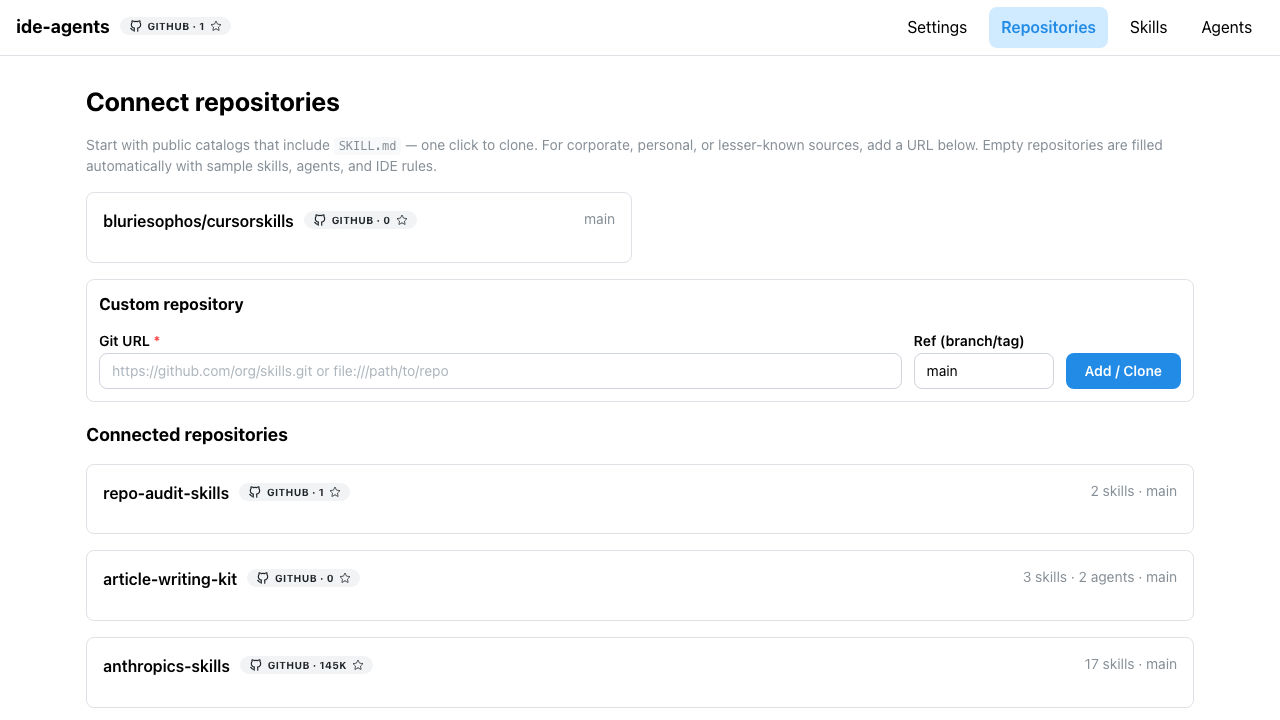
Clone and catalog in seconds
Paste a git URL or pick a starter catalog. ide-agents clones into ~/.ide-agents/repos and scans skills/*/SKILL.md and agents/*.md automatically.
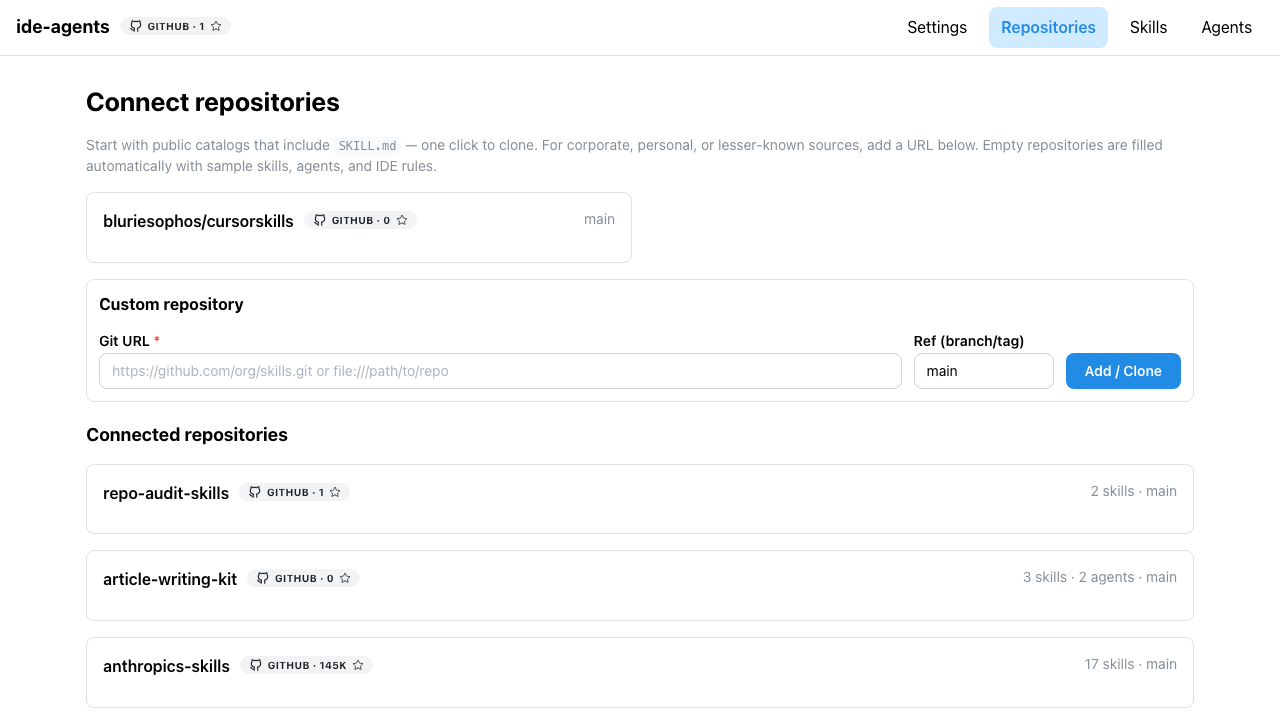
Install skills with symlinks
Toggle Global or Project per skill — no copy-paste into tool-specific skills folders. Updates flow from git pull + Apply; non-symlink targets are never overwritten.
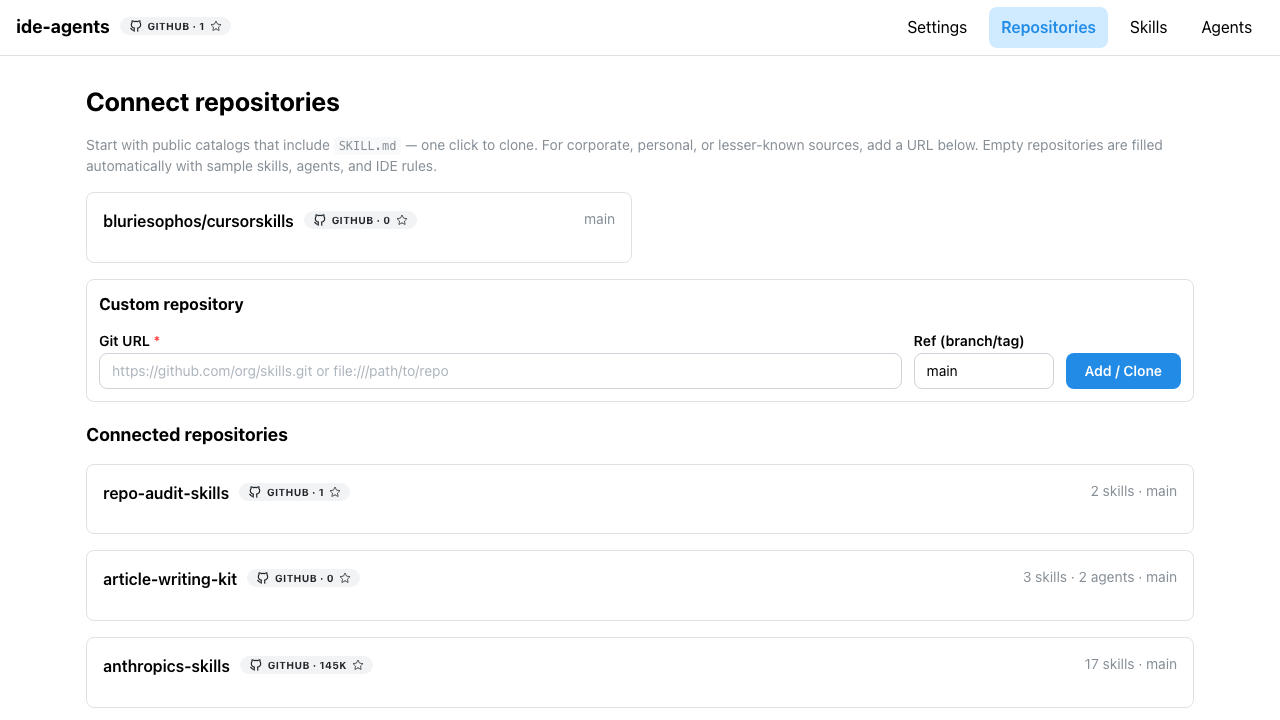
Same flow for subagents
Agents from git install to each enabled tool's agents folder, globally or per project. Dependent skills can be enforced so orchestrators always ship with their scripts.
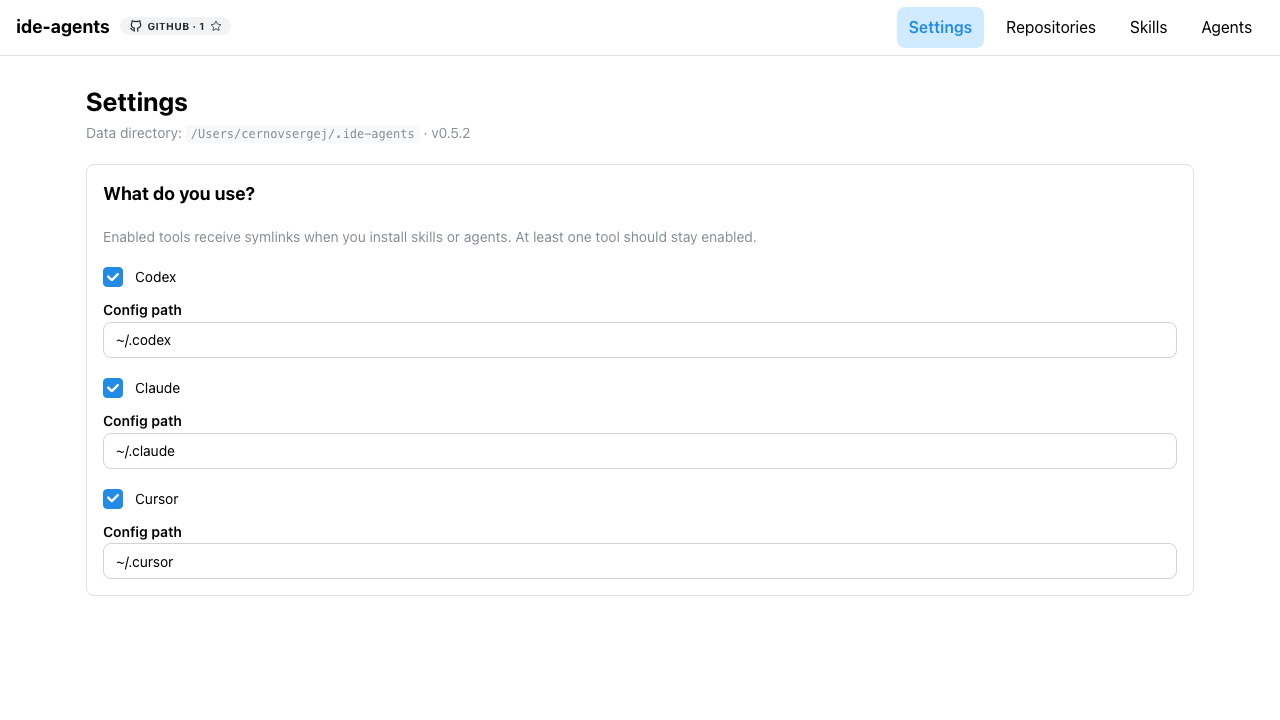
OpenCode, Cursor, Claude Code, and Codex
Enable only the tools you use, set config paths, and apply installs to every enabled IDE adapter in one click.
Up and running in three steps
- 1Install & run
npm i -g ide-agents ide-agents - 2Add a repo
Open Repositories → clone your skills catalog (or use the built-in template).
- 3Toggle & apply
Enable Global / Project on Skills and Agents — symlinks update immediately.
Ready to wire your team's skills?
Publish a repo with skills/ and agents/, point ide-agents at it, and share one install flow.